
Android app
Elvaris in your pocket.
Track parcels, follow each completed delivery stage on the map, and reach support — all from one app on your Android phone.
Get it onGoogle PlayFree · Android 7.0 or newer · iPhone guide below
Android may say “File might be harmful”. That’s a normal notice for apps downloaded from a website — tap Download anyway to continue.
9:41
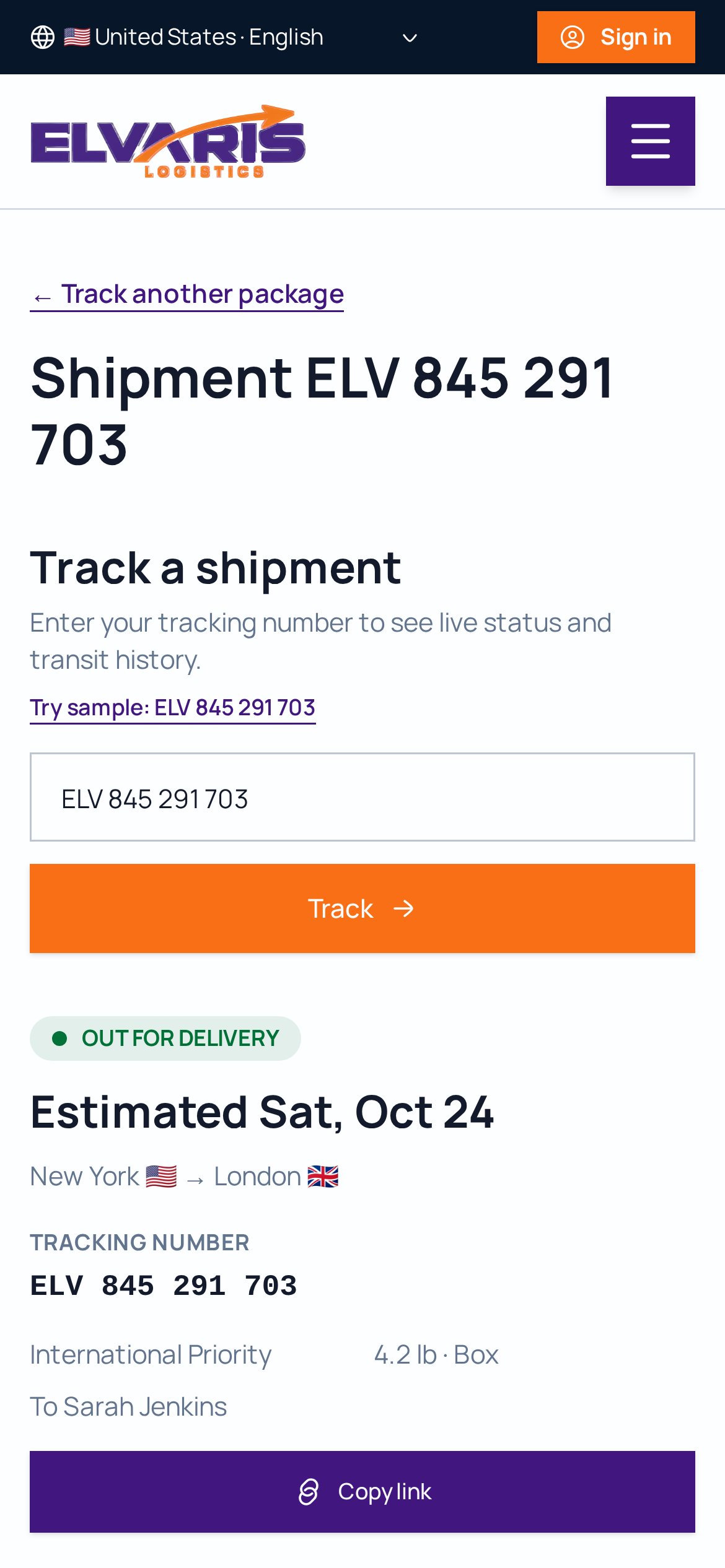
Instant tracking
Enter a tracking number and see where it is.
Route map
See your parcel's progress along its route.
Stage updates
Know when each delivery stage is completed.
Secure account
Sign in with a one-time email code.
How to install
- 1Tap the Google Play button to start downloading Elvaris.apk.
- 2Chrome will show “File might be harmful” — this is Android’s standard notice for every app downloaded outside the Play Store. Tap “Download anyway”.
- 3Tap Open from the download notification or your Downloads folder.
- 4Tap Install. If asked, turn on “Allow from this source”, then go back and tap Install.
- 5Open Elvaris from your home screen and track any package.
On iPhone? Add Elvaris to your home screen
No download needed — it takes 10 seconds.
- 1Open elvarislogistics.org in Safari on your iPhone.
- 2Tap the Share button at the bottom of the screen.
- 3Scroll down and tap “Add to Home Screen”.
- 4Tap “Add” — Elvaris now opens like an app from your home screen.
Prefer the browser? Track a package right now.